Decide what your page is before you create it
The most common beginner mistake is opening an account and then figuring out what to post. Spend an hour first on three questions. What is your theme or niche? What will you never show? How much time can you give the page each week? Write the answers down. They become your boundaries and your brand, and they make every later decision easier.
Be realistic about time. A page needs content, promotion and inbox replies. If you can give it five to ten hours a week, plan for that, not for the schedule of someone who does it full time.
- Pick one clear theme you enjoy and can keep up for months
- Write a short list of hard limits and keep it somewhere you see it
- Decide whether your face will appear, this choice is hard to undo later
- Set a weekly time budget for shooting, posting and messages
Set up the account the right way
OnlyFans requires every creator to be 18 or older and to verify their identity before they can earn, so have a valid government ID ready and use your legal details for verification. That information is not shown to fans. Add a payout method in your name and fill in the tax details the platform asks for.
Use a fresh email address made only for your creator business, and turn on two factor authentication from day one. Then choose your model. You can set a subscription between 4.99 and 49.99 USD per month or run a free page. Remember that OnlyFans keeps 20% of what you earn, so the payout you see is your net. A modest paid price is usually a sensible start, and our guide on how much to charge on OnlyFans helps you choose.
- Create a dedicated email and phone number for the page
- Enable two factor authentication and use a strong unique password
- Complete ID verification before you start promoting
- Set your subscription price and welcome message before launch
Protect your privacy from the first day
Privacy is far easier to keep than to win back. Choose a creator name that has no link to your legal name, your hometown or your old usernames. Turn on geoblocking for your home country, state or any region where people may recognize you. Keep your personal Instagram, Facebook and TikTok private and never follow your creator accounts from them.
Check every photo and video before posting. Remove location data, and look at the background for mail with your address, distinctive windows, local landmarks, family photos or anything else that could identify where you live. Our safety page explains the privacy steps we set up with every creator.
- Use a pseudonym everywhere connected to the page
- Turn on geoblocking for regions you want to avoid
- Use separate promo accounts, never your personal profiles
- Shoot against neutral backgrounds you can reuse safely
Build a simple brand fans can remember
Your brand is how fans recognize you in a busy feed: name, profile photo, banner, bio and the style of your teasers. Keep it consistent across OnlyFans and every promo account. A clear bio that says what fans get and how often you post converts better than a clever but vague one.
Pick two or three colors or moods that fit your theme and stick with them in banners and previews. Use the same profile photo everywhere so people trust that the promo account and the page belong to the same person. Our OnlyFans branding service handles the profile audit, bio, banner and pricing review if you prefer help.
- Write a bio that answers what fans get, how often and at what price
- Use a high quality profile photo with good light
- Match the look of your banner and your promo accounts
- Keep your creator name identical on every platform
Launch with a content bank, not an empty page
A fan who subscribes to an empty page leaves. Before you promote anything, upload enough content so the page feels alive: around 20 to 30 feed posts spread across a couple of weeks, plus a few sets you can later sell as PPV. Schedule the rest so the feed keeps moving while you focus on promotion.
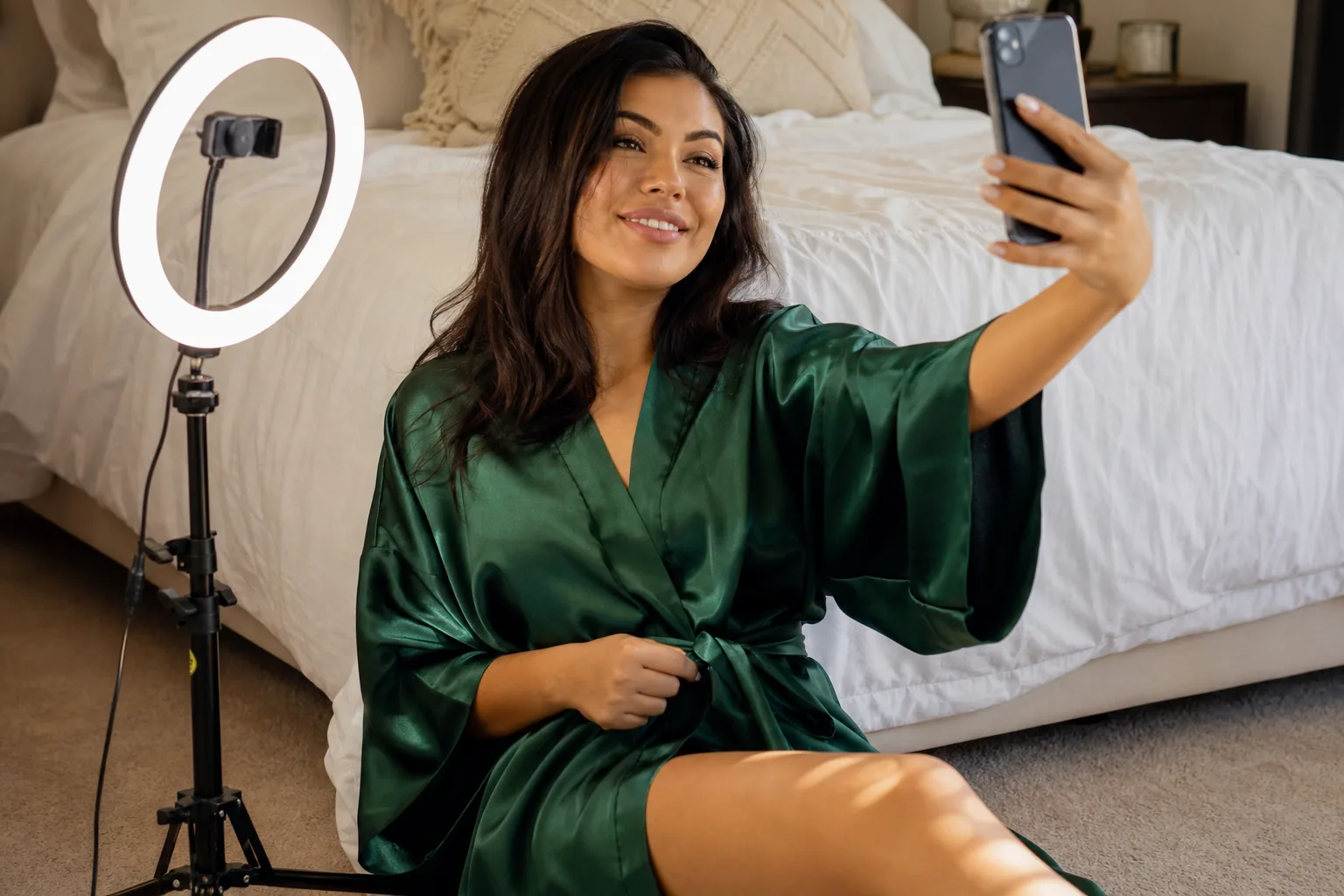
You do not need a studio. A phone with good daylight, a tidy background and a simple shot list is enough. For theme ideas, see our post on OnlyFans ideas for beginners.
- Shoot in batches, one or two sessions a week
- Prepare a few PPV sets before launch
- Schedule posts so the feed never goes quiet for days
Plan your first 30 days week by week
The first month is about learning, not about hitting a number. Keep it simple and track what happens.
- Week one: finish setup, post your content bank, create promo accounts on one or two platforms and read their rules
- Week two: post teasers daily on your main promo channel, answer every new subscriber with a short welcome message
- Week three: send your first paid mass message to fans who seem engaged, note what sold and at what price
- Week four: review new subscribers, renewals, PPV sales and tips, keep what worked and drop what did not
Expect slow growth at first. Most pages start small and build through steady posting and promotion. Anyone who promises you a specific income in month one is guessing. If you want a full step by step on what comes next, our how it works page shows the process we follow with new creators.
When an agency makes sense for a new page
Some creators prefer to do everything alone, and that is a valid choice. Others want to focus on content and leave the business side to a team. An agency is worth it when the work you hand over (promotion, chatting, pricing, analytics) is work you would not do well or at all on your own. Read our guide on choosing the best OnlyFans agency to see what to check before you sign up with anyone, and how much OnlyFans agencies take in practice.
- Look for a published commission, not a vague percentage after a call
- Avoid anyone who asks for upfront fees
- Make sure you keep your boundaries and decide what you shoot